
ACV Saved Search
Creating a Saved Search in ACV
Don't Leave it to Chance - Get Notified and Never Miss an Auction!
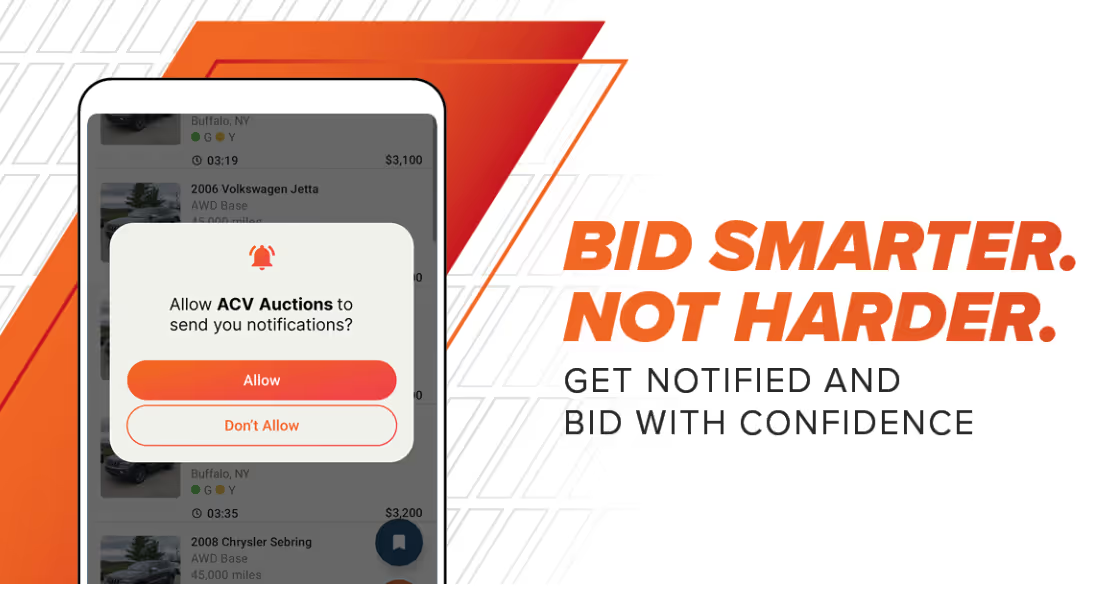
ACV MAX knows what you need. ACV finds it for you. With ACV Saved Searches, you don’t need to stay glued to the screen to make sure you’re not missing a great buy.
Your MAX dashboard already shows you what you’re understocked on and which units drive your highest profits. By combining the insights from ACV MAX with Saved Searches on ACV Auctions, you can automatically get notified the moment the right inventory goes live. No constant refreshing or missed bids, just the cars you need, when they’re available.
How to Set Up a Saved Search on ACV Auctions
Setting up a Saved Search only takes a minute.
Step 1: Head to the Marketplace
Log in to ACV Auctions, select Marketplace from the top navigation, then click “+ Create Saved Search” from the left-hand menu.
Step 2: Build Your Search Criteria
Filter for exactly what you need, including:
- Year, make, and model
- Trim and color
- Price range
- Condition and grade
- Location and more
Use advanced filters to narrow in on the vehicles that best fit your lot and your margins.
Step 3: Turn on Notifications
Toggle notifications on so you’re alerted as soon as matching inventory goes live.
Step 4: Name Your Search
Give your Saved Search a clear name so it’s easy to manage later.
Step 5: Save It
Click “Save” and you’re done.
Start Buying Smarter
Once your Saved Search is live, ACV does the work for you. You’ll receive notifications when inventory that matches your needs hits the marketplace, and you can adjust or manage your searches at any time.
Saved