Welcome to the ACV Max Training Hub. Here you'll find quick tutorials that walk you through the tools, reports, and features that drive smarter decisions, stronger performance, and better results for your dealership.
See guaranteed offers in ACV MAX and know your wholesale profit faster than ever.
Transform how you appraise trade-ins and price vehicles with predictive retail sale prices.
Managing User Permissions and Profiles in ACV MAX.
Optimize your sales strategy with a real-world view of your vehicle's wholesale value.
Learn more about ACV Guarantees and how to access and accept ACV Guarantee offers within ACV Max tool.
Learn about the full appraisal manager tool which allows you to view and search for all current appraisals in your system in one easy to see view.
Learn about the lost customers report that shows any vehicles that were appraised at your store and are now available on another dealers website.
Learn how to apply default settings to your ACV Max appraisal tool. This will help streamline your processes to save valuable time and resources.
Learn how you can add an appraisal via the desktop on the ACV Max tool.
Get a high level understanding of your appraisal tool, including how to add and update all needed details to ensure the most accurate values.
Learn how to access the Market section within your appraisal tool, where you can find similar vehicles for sale in your market and compare agasint yours to help inform your pricing strategy.
Learn how to set-up different book options for accurate values and how to customize customer offers.
Learn about the Historical Retail Data section which shows you how well you have retailed with a vehicle in the past.
Learn how to upload, edit and view appraisal photos for each vehicle.
Learn how to use our Damage Detection technology, including how and where to capture images that will be put through this technology.
Learn the basics of how the ClearCar tool works and how you can implement the widget in a few different ways.
Learn more about ClearCar and how it integrates within the ACV Max Appraisal Tool.
Get an overview of the ClearCar portal including how to access the portal and different things you can do within the portal.
Get an overview of the vehicle photo capture process and how Damage Detection works.
Learn how to manually create a lead within ClearCar.
Learn about the general navigation of the ACV Max Dashboard and get a high level understanding about your dashboard.
Learn about age buckets and needs attention alerts, a great place to see your daily "to do list" for all your inventory.
Get a deeper understanding of the Digital Showroom tool. See how you can easily search, filter and share your inventory with your customers.
Get a deeper understanding of the Digital Showroom tool. Here you will learn about the Vehicle Display Page (VDP).
Learn how to navigate through to the specific details for each vehicle listing including Pricing, Equipment, and Option Packages tabs.
Learn how to add/update/edit photos for each vehicle, how to view/edit your automatically generated and learn about eStockcard.
Learn about New Car Pricing tool which allows you to view different data points and new car inventory all in one place. It also allows you to apply bulk pricing campaign to your new inventory.
Learn how to Book Out a Vehicle within ACV Max.
Learn how to manually add inventory in ACV Max and steps needed to ensure manually added inventory does not expire.
Learn how to update and apply photo overlays within ACV Max.
Get an introduction to the ACV Max Mobile App & learn the general navigation.
Learn how you can appraise your vehicles by using your ACV Max mobile app.
Learn how to sort through your inventory and price your vehicles by using your mobile app.
Learn how you can get an appraisal uploaded via the ACV Max mobile app w/ salesperson access
Learn about all the reports you have at your fingertips and how to navigate to view your full library of reports you have available.
Learn about the Loan Value Book Value Calculator tool which calculates where you sit based on how much you own a vehicle for vs. the book value of that vehicle.
Learn about the Stop the Drop report which gives you a visual of your stores drop rate for a given period and helps inform sales team performance.
Learn about the Core Stocking Report which shows how well you are stocked including vehicles that are over and/or under performing based off of your historical sales data.
Learn about the Market Velocity Stocking Guide which shows what inventory is over and/or under performing based on your market data.
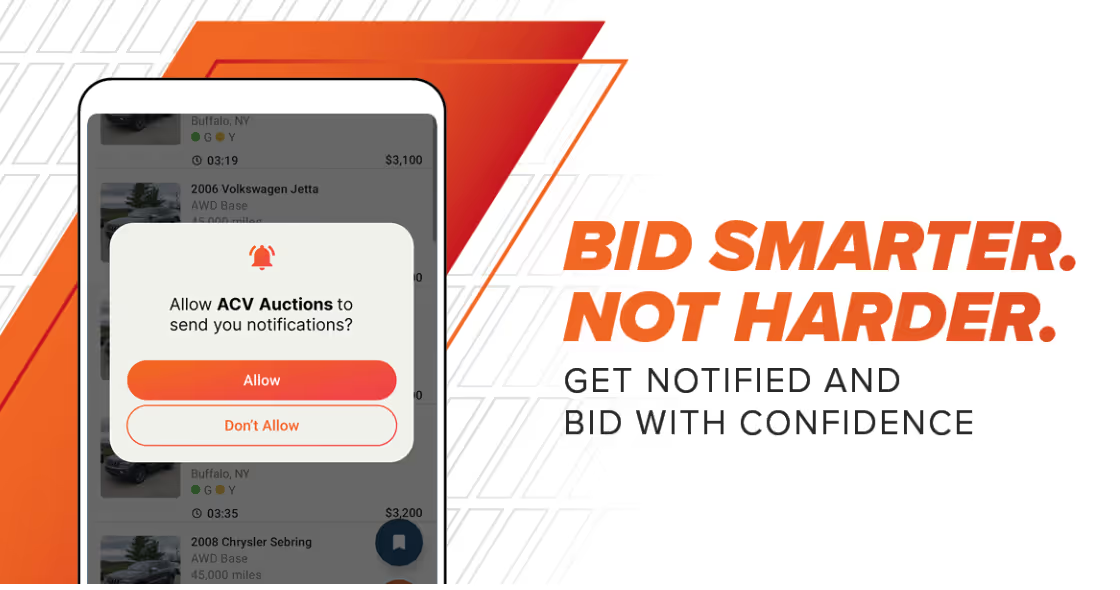
Learn how to set-up saved searches within ACV Auctions to easily acquire the vehicles you know you need from your Stocking Guides within ACV Max. Get automatically notified the moment the right inventory goes live.


.png)